Extend the Stage Moment Into the Audience
A headliner's closing song, a main-stage countdown, or a festival finale gives the audience a shared reason to participate. Luma Crowd uses guest phones to carry light beyond the stage and into the festival field.
Guests scan a QR code and join in their browser. Their phones can prepare before the live session opens, so the stage cue does not need to compete with the invitation.
Festival Use Cases
Main-Stage Performance
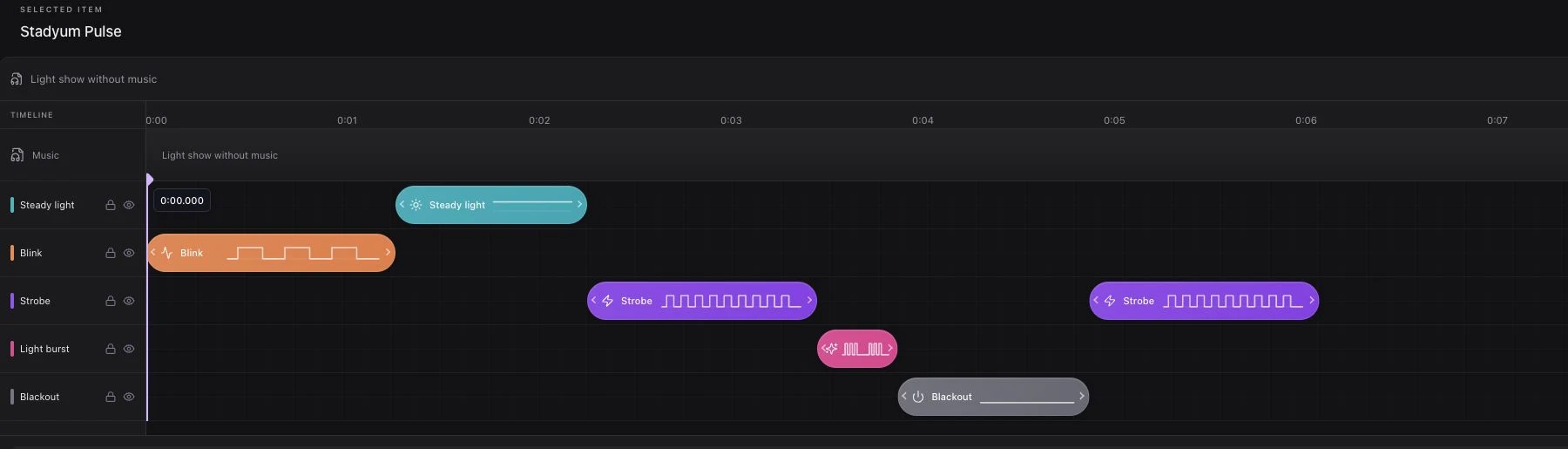
Choose a song or cue with the artist and production team. Prepare music and light effects in Studio, then use local preview to check the idea. Live playback begins only when the operator presses Play.
Closing Moment
A shared color or gradual pulse can support the festival's final announcement. Leave time to end the session cleanly before the audience starts moving away from the stage.
Sponsor Presentation
Prepare a short, relevant screen-color moment as part of the event flow. Keep the audience's role clear and check brand colors on representative phones. See brand activation light shows.
Plan for the Festival Field
Outdoor audiences move between stages and may use different cellular networks. The operator's connection alone is not enough to validate the guest experience.
Walk the intended participation area with the venue network team. Test opening the QR page, joining, screen fallback, and connection loss from different positions. Confirm the account's approved capacity before the public invitation.
Ambient light also matters. Test screen colors and flashlight effects at the intended time of day, with the actual screen layout and crowd orientation.
Make the Invitation Readable
Use a large, high-contrast QR presentation on a screen facing the audience. Pair it with a short instruction and a coordinated stage announcement.
Explain that flashlight access may ask for camera permission after Join, and that the experience does not record or upload camera footage. If access is unavailable or permission is declined, screen light provides a fallback.
A Practical Production Sequence
| Stage | Team action | Check |
|---|---|---|
| Preparation | Choose the music and light moment | Artist and stage approval |
| Rehearsal | Try QR joining and playback in the field | Connectivity and device behavior |
| Invitation | Display QR and give the announcement | Readability from audience positions |
| Live cue | Open the session, then start playback | Ready participant states |
| Close | Stop playback and end the event | Guests return to waiting |
One live event per account keeps session ownership clear. For a multi-stage festival, review account arrangements and operator responsibilities before rehearsing concurrent productions.
Capture and Review the Moment
Approved production footage and separate guest feedback can help evaluate the visual result. Connected counts describe operational participation; they do not establish social reach or sponsor impressions.
Request a demo to prepare a festival scenario and review the guest journey with your stage and network teams.